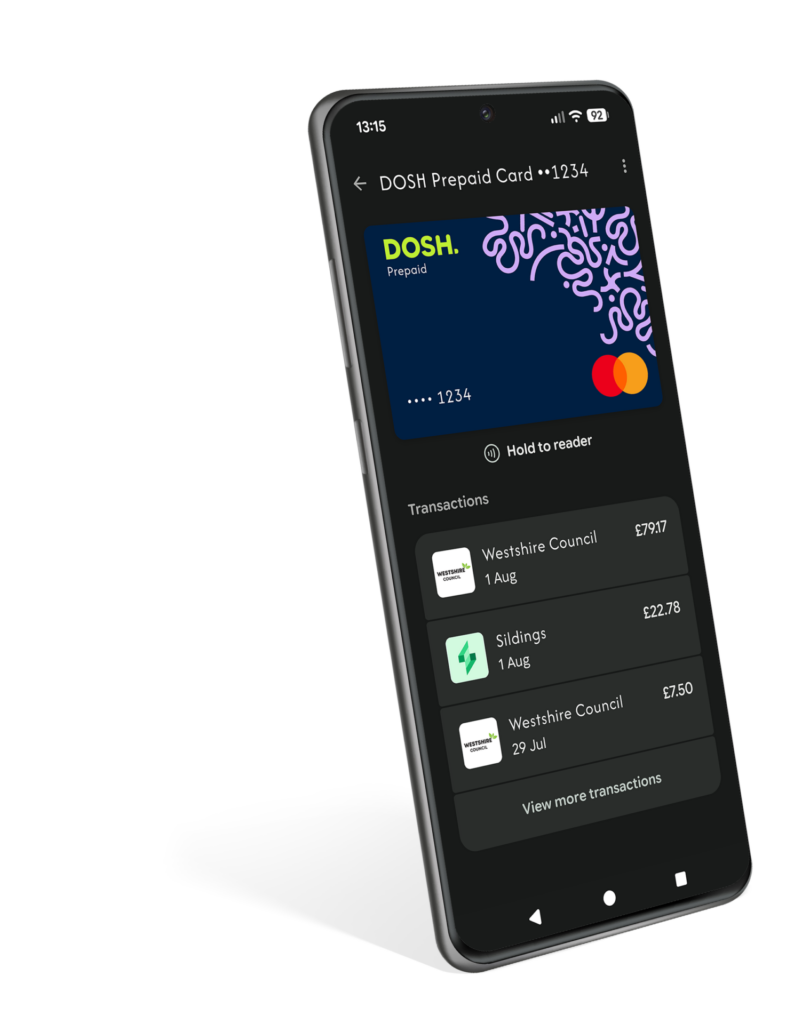
Use Google Pay™ with Your DOSH Card
Add your DOSH card to Google Wallet™ and use your Android phone or smartwatch to pay in shops, online and in apps. It’s a simple, secure way to make everyday payments.
Pay with your DOSH card using Google Pay™
Google Pay™ lets you make quick, secure payments using your Android phone or smartwatch. Once you’ve added your DOSH card to Google Wallet™, you can pay in shops, online and in apps without reaching for your physical card.
Whether you’re buying everyday essentials, travelling on public transport or shopping online, Google Pay™ offers a simple way to make purchases wherever contactless payments are accepted. Getting started only takes a few moments, and your card details stay protected whenever you pay.
Fast
Life’s busy enough. Google Pay™ gives you a quicker way to pay, whether you’re picking up a coffee, shopping online or paying for everyday essentials.
Easy
Add your DOSH card to Google Wallet™ and use your Android phone or smartwatch to pay wherever you see the contactless symbol. No need to carry your card everywhere you go.
Safe
When you use Google Pay™, your card details aren’t shared with retailers. It’s designed to help keep your information safe, so you can pay with confidence.
Use Google Pay wherever you see one of these symbols.

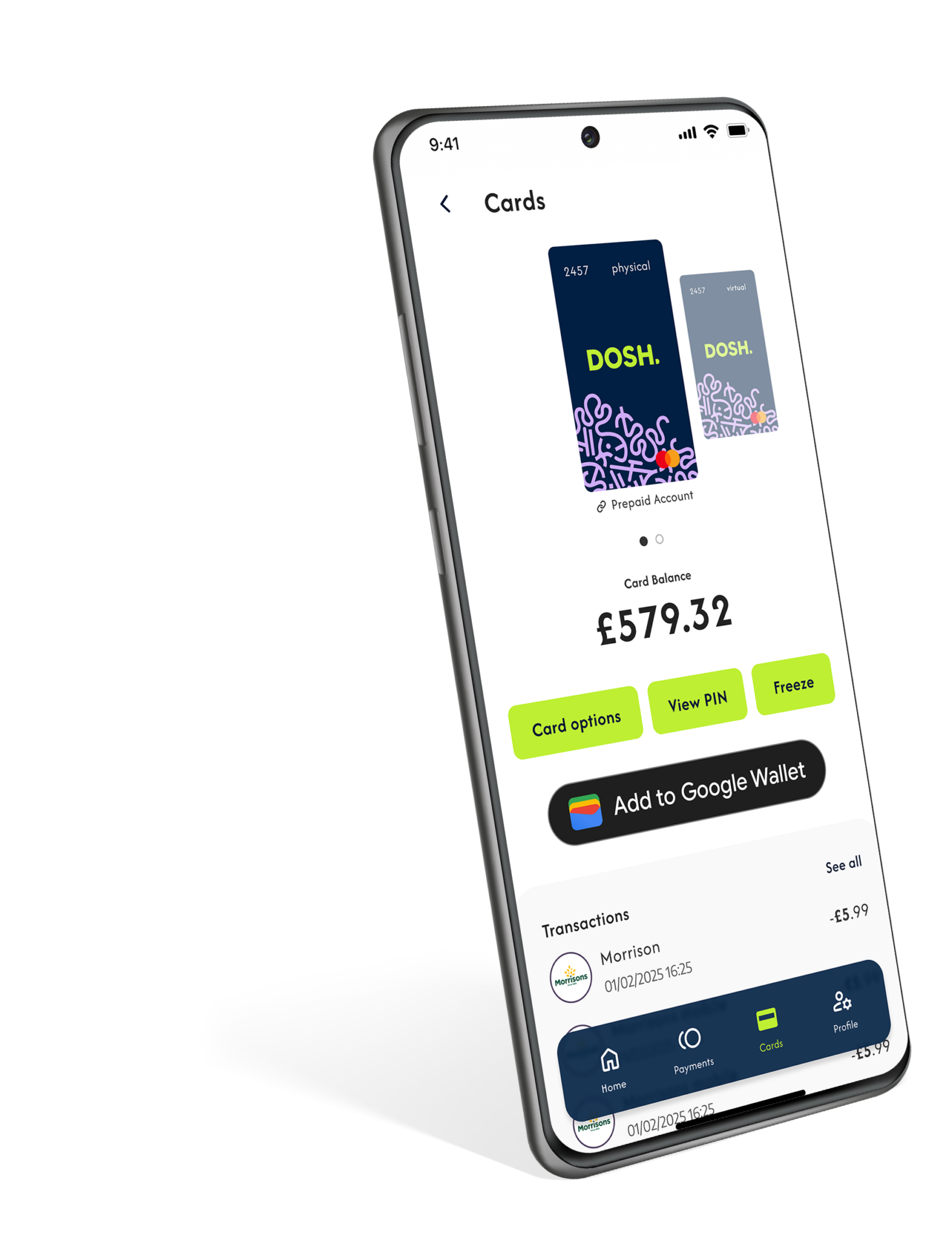
Add your DOSH Card to Google Pay
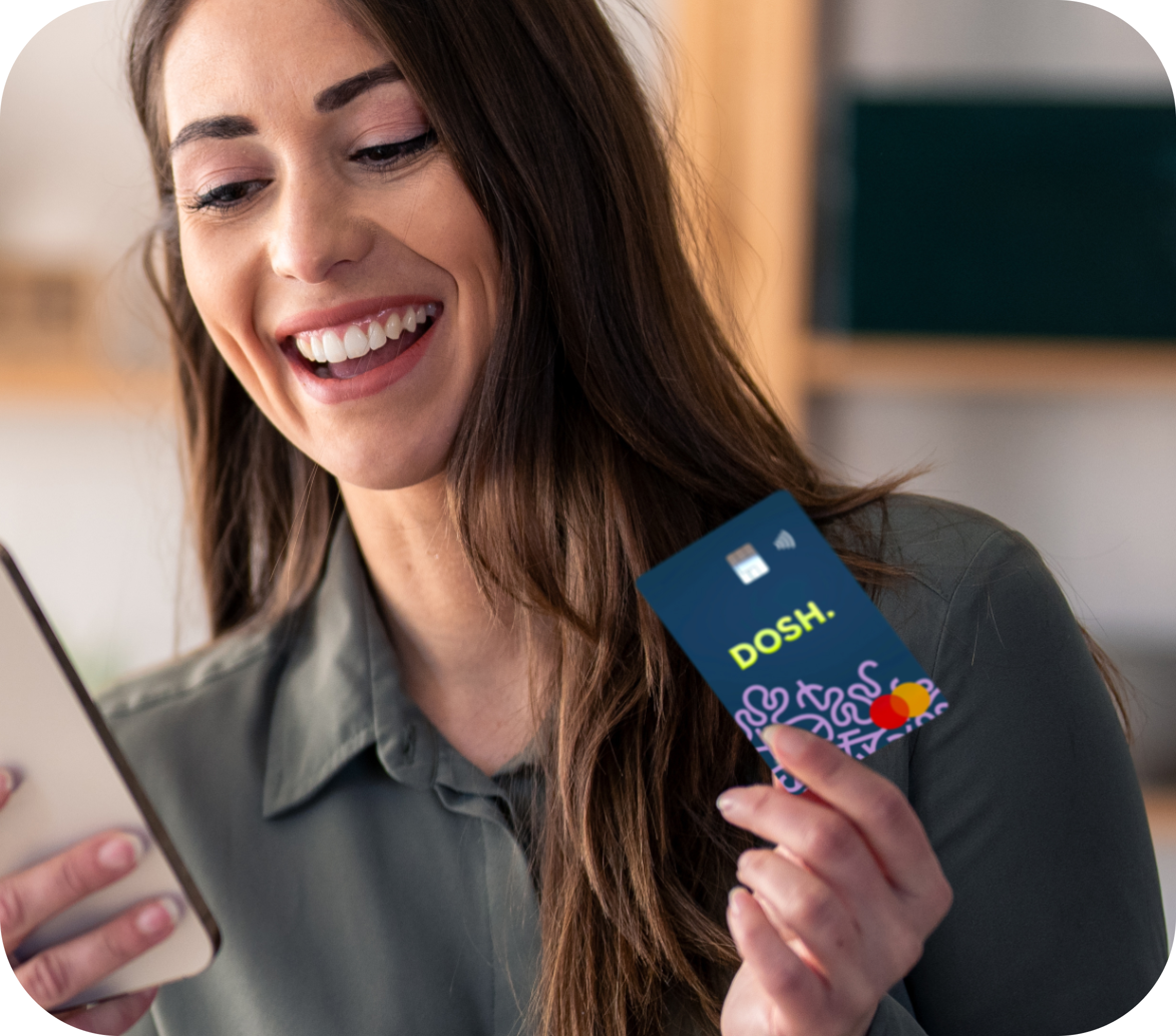
1. Download
Download and open the Google Pay app from the Google Play Store
2. Add your card
Add your DOSH card by taking a photo or entering your card details
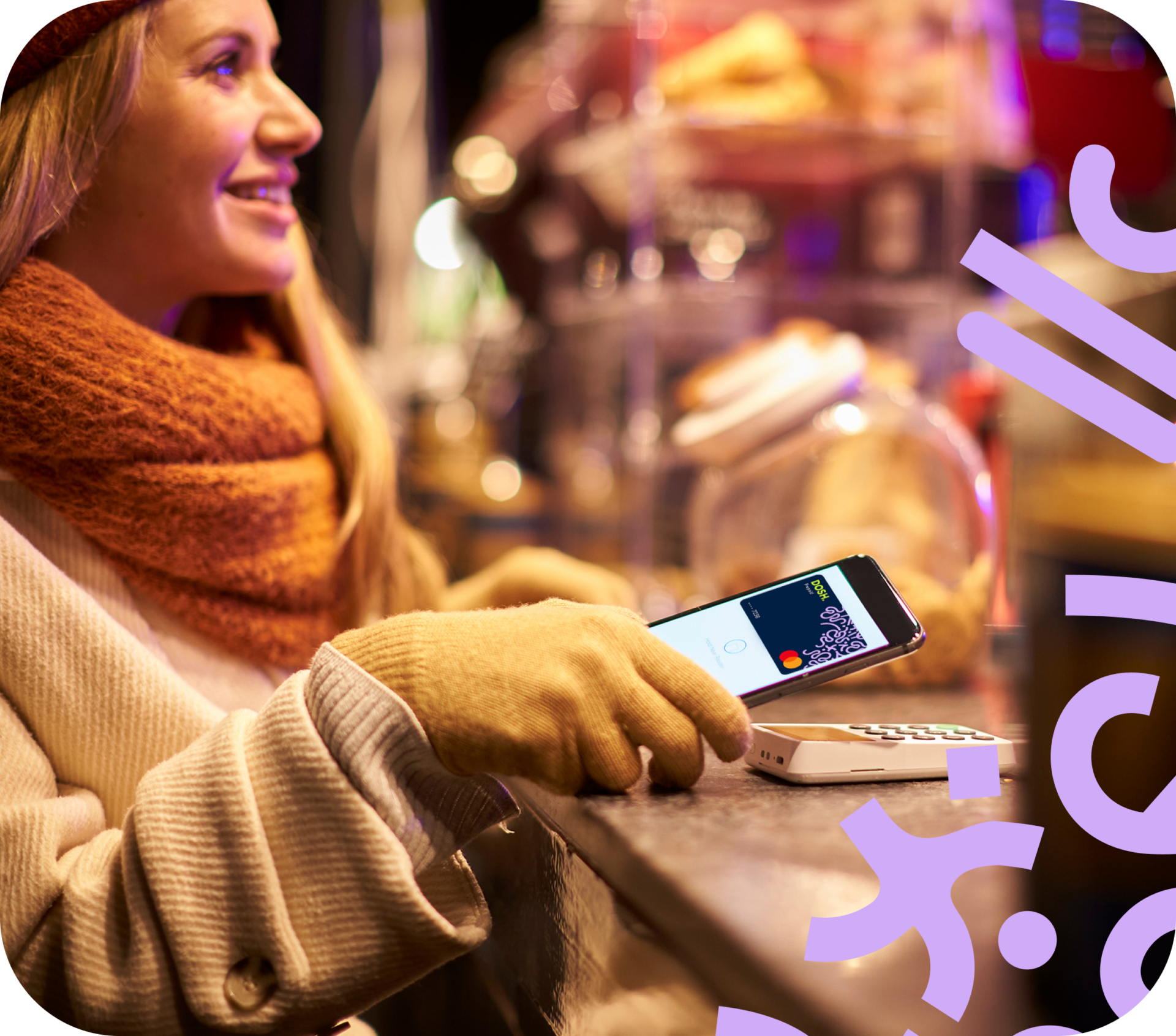
3. Start spending
All done! You can start spending straight away anywhere that supports contactless
Frequently Asked Questions
Yes. You can add your DOSH card to Google Wallet™ and use Google Pay™ to make purchases in shops, online and in apps wherever Google Pay™ is accepted.
Adding your card only takes a few moments, and once it’s set up, you can pay using your Android phone or smartwatch instead of reaching for your physical card.
Google Pay™ works on most Android™ phones and smartwatches that support contactless payments.
To use Google Pay™, your device will need to:
- Run a supported version of Android™
- Have NFC (Near Field Communication) turned on
- Have Google Wallet™ installed
If you’re not sure whether your device is compatible, you can check your phone settings or visit Google’s help pages for more information.
Google Pay™ is the updated version of Android Pay™. If you previously used Android Pay™, your app should have updated automatically to Google Pay™.
The good news is that nothing changes in the way you use it. You can still make quick, easy payments with your Android phone or smartwatch, now using Google Pay™ and your DOSH card.
If you have more than one card in Google Wallet™, you can choose your DOSH card as your default payment card.
Simply open Google Wallet™, select your DOSH card and follow Google’s instructions to set it as your default. Once it’s set up, your DOSH card will be used automatically when you pay with Google Pay™.
You can use Google Pay™ anywhere you see the contactless payment symbol or the Google Pay™ logo.
That means you can use your DOSH card with Google Pay™ in shops, cafés, restaurants, on public transport, online and in apps where Google Pay™ is accepted.
You can use your DOSH card abroad with Google Pay™ wherever Google Pay and contactless payments are accepted.
Yes. If you see Google Pay™ as a payment option, you can use your DOSH card to pay quickly and securely without entering your card details each time.
Whether you’re ordering food, booking tickets or shopping online, simply select Google Pay™ at checkout and follow the on-screen instructions to complete your purchase.
Google Pay™ can be used for everyday purchases, whether you’re shopping in store, online or in apps.
Some retailers may have their own limits on contactless payments, but in many cases you can make larger purchases by confirming it’s you using your phone’s security settings, such as your fingerprint, face recognition, PIN or password.
If you’re paying in an app or online, any spending limits will depend on the retailer and the available balance on your DOSH account.
Yes. Keeping your money and information safe is important to us.
When you use Google Pay™, your full DOSH card number isn’t shared with retailers. Instead, a secure digital card number is used to process your payment, helping to keep your card details protected.
Google Pay™ also uses the security features built into your device, such as your fingerprint, face recognition, PIN or password, to help make sure only you can make payments.
If your phone is lost or stolen, don’t panic.
You can use Google’s Find My Device service to lock your phone, change your password or remove your personal information remotely. You can find out more on this link.
Your DOSH card details aren’t stored on your device in a way that retailers can access, helping to keep your information protected.
If you’re worried that someone may have access to your account, please contact the DOSH team and we’ll be happy to help.
If you’ve lost your DOSH card, don’t worry. You can use the DOSH app to freeze your card straight away to help prevent anyone else from using it.
While your card is frozen, you won’t be able to make payments using your physical card or through Google Pay™.
If you find your card, simply unfreeze it in the app and you’ll be able to start using it again. If you’ve ordered a replacement card, follow the instructions in the DOSH app to activate it once it arrives.
If you need any help, our support team is always here for you.
No. If you’ve frozen your DOSH card, you won’t be able to use it with Google Pay™ until it’s unfrozen again.
Freezing your card stops payments from being made, whether you’re using your physical card or Google Pay™.
Once you’ve unfrozen your card in the DOSH app, you can start using Google Pay™ again. If you have any issues, our support team will be happy to help.
If you’ve enabled notifications for both Google Pay™ and the DOSH app, you may receive two alerts each time you make a payment.
This happens because both services let you know when your card has been used.
If you’d prefer to receive fewer notifications, you can adjust the notification settings on your Android device for either Google Pay™ or the DOSH app.