
DOSH adds Google Pay™ bringing digital wallets to people underserved by traditional banking
The new capability gives eligible DOSH customers a faster, more secure and more convenient way to pay, while retaining the control of the DOSH prepaid card.
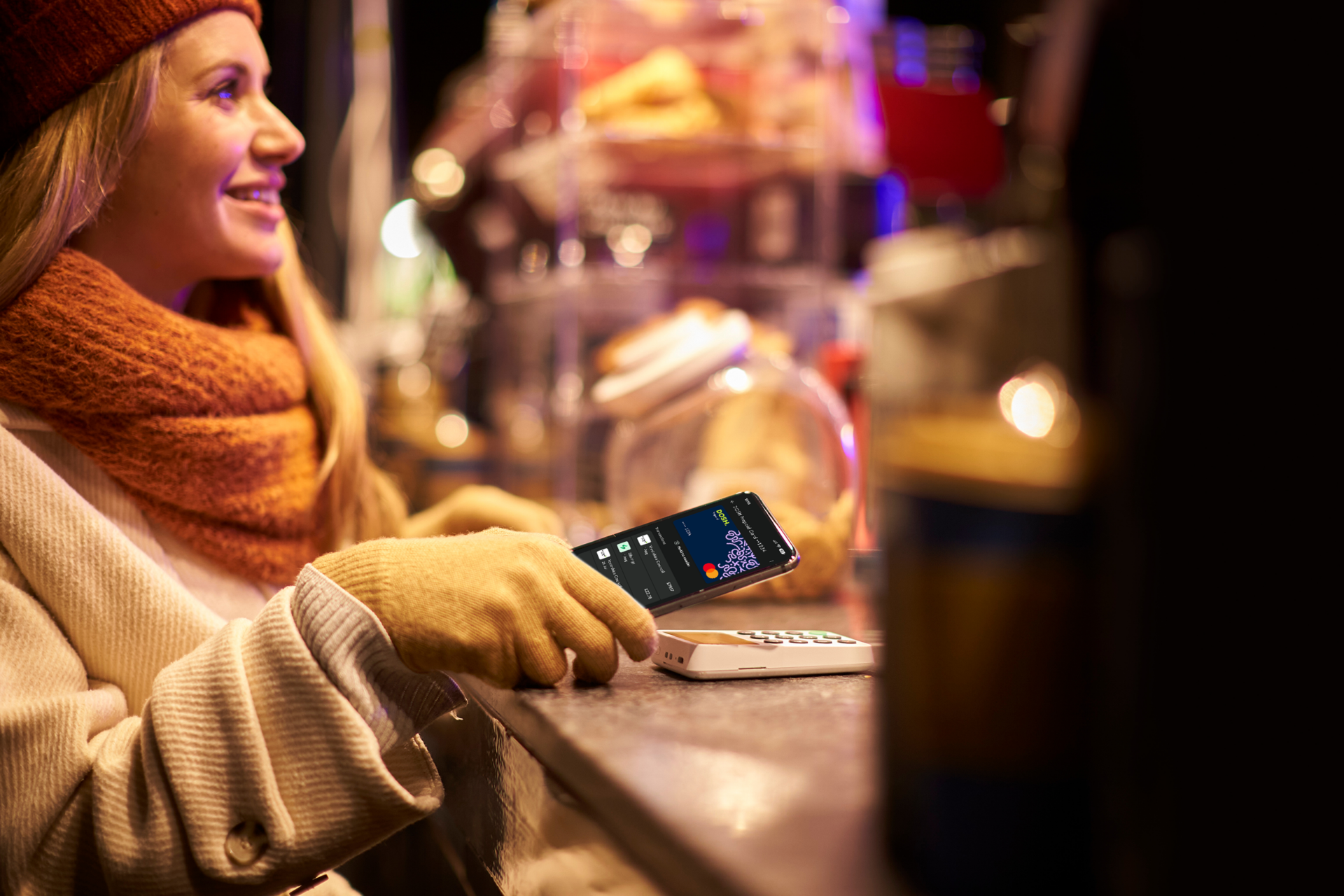
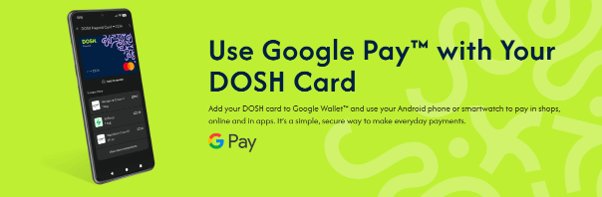
HEREFORD, UK – DOSH has launched Google Pay™, enabling its Android customers to add their digital DOSH card to their Google Wallet and use their Android device for contactless purchases. Whether shopping in-store, online or in apps, DOSH customers can now use their Android phone or smartwatch to pay wherever the contactless payment symbol or Google Pay™ logo is displayed.
For people who are unbanked, underbanked or financially excluded, access to everyday payment technology is not always equal. Digital wallets have become a familiar part of modern life, but using one still depends on having a suitable payment account and card. DOSH’s mission is to close that gap by combining Google Pay™ with its prepaid account designed around access, control and simplicity.
This is more than a new way to pay. It gives DOSH customers access to the same mainstream digital payment experience used by millions of other consumers, without requiring a credit check or access to an overdraft. Customers can pay using their phone while continuing to spend only the money available in their DOSH account.
Why Google Pay™ matters for DOSH customers
DOSH Android customers can now pay using an Android device in shops, online and in apps wherever Google Pay™ is accepted, opening more ways to take part in an increasingly digital economy. Google Pay™ also offers greater security at the point of payment as it uses tokenisation and device-level authentication, so the customer’s physical card number is not shared with the retailer during a transaction.
It also provides more control over day-to-day spending with the digital wallet capability sitting alongside DOSH features including real-time notifications and the ability to lock or unlock the card in the app. Having your account in your digital wallet also means less dependence on a physical card, paying by phone gives customers another practical option for everyday purchases and can support greater independence in managing their money.
Tony Killeen, Founder and Entrepreneur of allpay, said:
“Paying with a phone has become an ordinary part of daily life, but not everyone has had equal access to that experience. People who are unbanked, underbanked or financially excluded should not be left with fewer choices or outdated ways to pay.
Bringing Google Pay™ to DOSH helps open a modern payment experience while preserving the control and transparency that our customers value. It is an important step in making financial inclusion feel genuinely inclusive: practical, secure and designed for everyday life.”
Designed for access, control and everyday life
DOSH is a direct-to-consumer prepaid Mastercard account created for people with low financial resilience and those seeking a straightforward alternative to traditional banking. It is credit-check-free, has no overdraft facility and can be accessed through participating community partners, local authorities and social housing providers, alongside an open waitlist for individual consumers.
Eligible customers can add their DOSH card to Google Wallet through the MyDOSH app and begin making payments. With cash access across the UK, customers can deposit cash and check balances through a network of up to 11,500 Post Office branches. There are also no overdraft fees or borrowing facilities, helping customers manage only the money available to them.
DOSH was developed by allpay Ltd, a UK payment specialist authorised and regulated by the Financial Conduct Authority to issue electronic money. The MyDOSH app is available from the Google Play Store.
Frequently Asked Questions
Yes. You can add your DOSH card to Google Wallet™ and use Google Pay™ to make purchases in shops, online and in apps wherever Google Pay™ is accepted.
Adding your card only takes a few moments, and once it’s set up, you can pay using your Android phone or smartwatch instead of reaching for your physical card.
Google Pay™ works on most Android™ phones and smartwatches that support contactless payments.
To use Google Pay™, your device will need to:
- Run a supported version of Android™
- Have NFC (Near Field Communication) turned on
- Have Google Wallet™ installed
If you’re not sure whether your device is compatible, you can check your phone settings or visit Google’s help pages for more information.
Google Pay™ is the updated version of Android Pay™. If you previously used Android Pay™, your app should have updated automatically to Google Pay™.
The good news is that nothing changes in the way you use it. You can still make quick, easy payments with your Android phone or smartwatch, now using Google Pay™ and your DOSH card.
If you have more than one card in Google Wallet™, you can choose your DOSH card as your default payment card.
Simply open Google Wallet™, select your DOSH card and follow Google’s instructions to set it as your default. Once it’s set up, your DOSH card will be used automatically when you pay with Google Pay™.
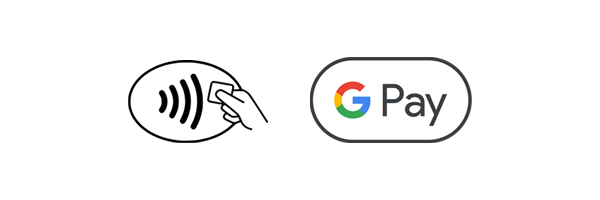
You can use Google Pay™ anywhere you see the contactless payment symbol or the Google Pay™ logo.
That means you can use your DOSH card with Google Pay™ in shops, cafés, restaurants, on public transport, online and in apps where Google Pay™ is accepted.
You can use your DOSH card abroad with Google Pay™ wherever Google Pay and contactless payments are accepted.
Yes. If you see Google Pay™ as a payment option, you can use your DOSH card to pay quickly and securely without entering your card details each time.
Whether you’re ordering food, booking tickets or shopping online, simply select Google Pay™ at checkout and follow the on-screen instructions to complete your purchase.
Google Pay™ can be used for everyday purchases, whether you’re shopping in store, online or in apps.
Some retailers may have their own limits on contactless payments, but in many cases you can make larger purchases by confirming it’s you using your phone’s security settings, such as your fingerprint, face recognition, PIN or password.
If you’re paying in an app or online, any spending limits will depend on the retailer and the available balance on your DOSH account.
Yes. Keeping your money and information safe is important to us.
When you use Google Pay™, your full DOSH card number isn’t shared with retailers. Instead, a secure digital card number is used to process your payment, helping to keep your card details protected.
Google Pay™ also uses the security features built into your device, such as your fingerprint, face recognition, PIN or password, to help make sure only you can make payments.
If your phone is lost or stolen, don’t panic.
You can use Google’s Find My Device service to lock your phone, change your password or remove your personal information remotely. You can find out more on this link.
Your DOSH card details aren’t stored on your device in a way that retailers can access, helping to keep your information protected.
If you’re worried that someone may have access to your account, please contact the DOSH team and we’ll be happy to help.
If you’ve lost your DOSH card, don’t worry. You can use the DOSH app to freeze your card straight away to help prevent anyone else from using it.
While your card is frozen, you won’t be able to make payments using your physical card or through Google Pay™.
If you find your card, simply unfreeze it in the app and you’ll be able to start using it again. If you’ve ordered a replacement card, follow the instructions in the DOSH app to activate it once it arrives.
If you need any help, our support team is always here for you.
No. If you’ve frozen your DOSH card, you won’t be able to use it with Google Pay™ until it’s unfrozen again.
Freezing your card stops payments from being made, whether you’re using your physical card or Google Pay™.
Once you’ve unfrozen your card in the DOSH app, you can start using Google Pay™ again. If you have any issues, our support team will be happy to help.
If you’ve enabled notifications for both Google Pay™ and the DOSH app, you may receive two alerts each time you make a payment.
This happens because both services let you know when your card has been used.
If you’d prefer to receive fewer notifications, you can adjust the notification settings on your Android device for either Google Pay™ or the DOSH app.
Yes. You can add your DOSH card to Google Wallet™ and use Google Pay™ to make purchases in shops, online and in apps wherever Google Pay™ is accepted.
Adding your card only takes a few moments, and once it’s set up, you can pay using your Android phone or smartwatch instead of reaching for your physical card.
Google Pay™ works on most Android™ phones and smartwatches that support contactless payments.
To use Google Pay™, your device will need to:
- Run a supported version of Android™
- Have NFC (Near Field Communication) turned on
- Have Google Wallet™ installed
If you’re not sure whether your device is compatible, you can check your phone settings or visit Google’s help pages for more information.
Google Pay™ is the updated version of Android Pay™. If you previously used Android Pay™, your app should have updated automatically to Google Pay™.
The good news is that nothing changes in the way you use it. You can still make quick, easy payments with your Android phone or smartwatch, now using Google Pay™ and your DOSH card.
If you have more than one card in Google Wallet™, you can choose your DOSH card as your default payment card.
Simply open Google Wallet™, select your DOSH card and follow Google’s instructions to set it as your default. Once it’s set up, your DOSH card will be used automatically when you pay with Google Pay™.
You can use Google Pay™ anywhere you see the contactless payment symbol or the Google Pay™ logo.
That means you can use your DOSH card with Google Pay™ in shops, cafés, restaurants, on public transport, online and in apps where Google Pay™ is accepted.
You can use your DOSH card abroad with Google Pay™ wherever Google Pay and contactless payments are accepted.
Yes. If you see Google Pay™ as a payment option, you can use your DOSH card to pay quickly and securely without entering your card details each time.
Whether you’re ordering food, booking tickets or shopping online, simply select Google Pay™ at checkout and follow the on-screen instructions to complete your purchase.
Google Pay™ can be used for everyday purchases, whether you’re shopping in store, online or in apps.
Some retailers may have their own limits on contactless payments, but in many cases you can make larger purchases by confirming it’s you using your phone’s security settings, such as your fingerprint, face recognition, PIN or password.
If you’re paying in an app or online, any spending limits will depend on the retailer and the available balance on your DOSH account.
Yes. Keeping your money and information safe is important to us.
When you use Google Pay™, your full DOSH card number isn’t shared with retailers. Instead, a secure digital card number is used to process your payment, helping to keep your card details protected.
Google Pay™ also uses the security features built into your device, such as your fingerprint, face recognition, PIN or password, to help make sure only you can make payments.
If your phone is lost or stolen, don’t panic.
You can use Google’s Find My Device service to lock your phone, change your password or remove your personal information remotely. You can find out more on this link.
Your DOSH card details aren’t stored on your device in a way that retailers can access, helping to keep your information protected.
If you’re worried that someone may have access to your account, please contact the DOSH team and we’ll be happy to help.
If you’ve lost your DOSH card, don’t worry. You can use the DOSH app to freeze your card straight away to help prevent anyone else from using it.
While your card is frozen, you won’t be able to make payments using your physical card or through Google Pay™.
If you find your card, simply unfreeze it in the app and you’ll be able to start using it again. If you’ve ordered a replacement card, follow the instructions in the DOSH app to activate it once it arrives.
If you need any help, our support team is always here for you.
No. If you’ve frozen your DOSH card, you won’t be able to use it with Google Pay™ until it’s unfrozen again.
Freezing your card stops payments from being made, whether you’re using your physical card or Google Pay™.
Once you’ve unfrozen your card in the DOSH app, you can start using Google Pay™ again. If you have any issues, our support team will be happy to help.
If you’ve enabled notifications for both Google Pay™ and the DOSH app, you may receive two alerts each time you make a payment.
This happens because both services let you know when your card has been used.
If you’d prefer to receive fewer notifications, you can adjust the notification settings on your Android device for either Google Pay™ or the DOSH app.